Celestial Crown Login Problems: Can't Sign In, Forgot Password & Account Locked
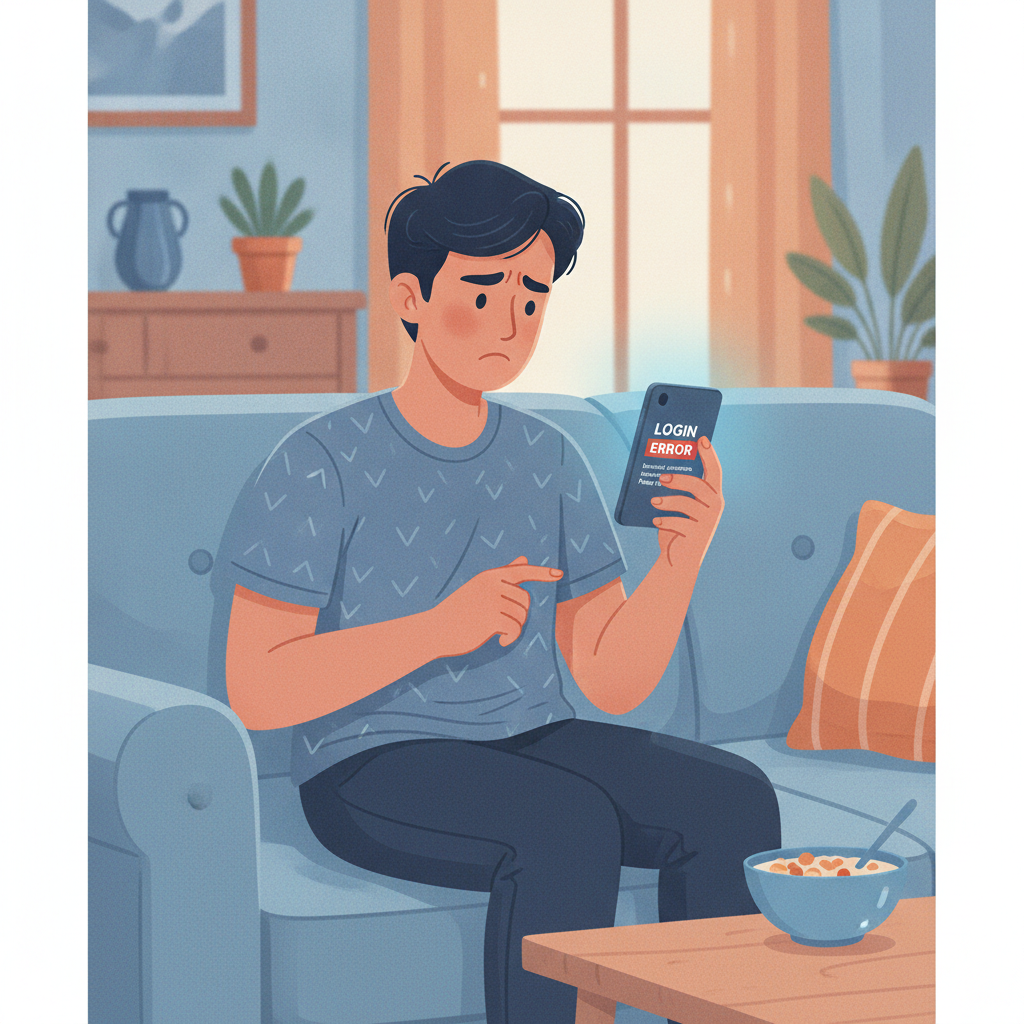
Celestial Crown Login Problems: Can't Sign In, Forgot Password & Account Locked
Login issues can block you from placing bets or checking your balance on Celestial Crown. This guide walks through the most common sign-in errors Filipino players face on mobile, how to reset your password, why accounts get locked, and when to contact support.
This is an independent guide. Celestial Crown is for players 21 and over. Play responsibly and within your budget.
Common Login Errors on Celestial Crown
When you try to log in on Android or iOS, you might see one of these error messages:
"Incorrect username or password"
You've entered the wrong mobile number, email, or password. Double-check your details—especially if you're copying and pasting from a notes app. Passwords are case-sensitive, and extra spaces before or after your username can trigger the error.
"Account not found" or "User not found"
The mobile number or email you typed isn't registered with Celestial Crown. Make sure you're using the same phone number or email you signed up with. If you recently changed your SIM card or switched email providers, you may need to contact support to update your account details.
"Account locked" or "Account temporarily disabled"
Celestial Crown has frozen your account, usually for security reasons. This can happen after multiple wrong password attempts, suspicious login activity, or if your ID verification is incomplete. You'll need to contact support to unlock it.
"Session expired—please log in again"
You've been idle too long, or the app detected a network interruption. This isn't a serious error; just close the message and log in again. If it happens repeatedly, restart your phone or switch from mobile data to Wi-Fi to check if your connection is unstable.
How to Reset Your Celestial Crown Password
If you can't remember your password, follow these steps on the Celestial Crown mobile site or app:
- Tap "Forgot Password?" on the login screen.
The link is usually below the password field or next to the "Log In" button. - Enter your registered mobile number or email address.
Use the same phone number or email you provided during registration. If you registered via GCash or Maya and don't remember which email you used, check your e-wallet transaction history for confirmation emails from Celestial Crown. - Check for the reset code or link.
- Mobile number: You'll receive an SMS with a six-digit verification code. It should arrive within one or two minutes. If you don't see it, check if your phone has blocked unknown senders, or request the code again.
- Email: Open your inbox (and spam or junk folder) for a password-reset email. The link inside is valid for 15 to 30 minutes—don't wait too long to use it.
- Enter the code or click the link, then create a new password.
Your new password must meet Celestial Crown's requirements (usually at least eight characters, mixing letters and numbers). Avoid reusing an old password. - Log in with your new password.
If the new password still doesn't work, clear your browser cache or app data (see below) and try again.
Tip: If you don't receive the SMS or email after several tries, your contact details may be outdated. Reach out to Celestial Crown support on live chat or Viber with your account username and a photo of your valid ID to update your records.
Why Accounts Get Temporarily Locked
Celestial Crown may lock your account to protect your funds and personal information. Common triggers include:
Multiple failed login attempts
If you or someone else enters the wrong password five or more times in a row, the system assumes the account may be under attack and locks it for 30 minutes to 24 hours. Wait for the lockout period to end, or contact support to unlock it sooner.
Unverified identity or incomplete KYC
Philippine regulations require online casinos to verify players' identities. If you haven't submitted a valid government ID (UMID, driver's license, passport, or postal ID) and proof of address, Celestial Crown may restrict your account until you complete verification. Log in on desktop or mobile and look for a "Verify Account" or "Upload Documents" button, or ask support what's missing.
Suspicious login location or device
If Celestial Crown detects a login from a new device or an unusual location—especially if you're traveling outside Metro Manila or the Philippines—it may flag your account and ask you to confirm your identity via SMS or email before unlocking it.
Breach of terms or duplicate accounts
Operating more than one Celestial Crown account under different names, sharing your login, or violating bonus terms can result in a permanent lock. Support will ask for documents and an explanation; in serious cases, the account may stay closed.
Clearing Cache and Cookies to Fix Sign-In Issues
Outdated cache files or corrupted cookies can prevent the Celestial Crown site or app from recognizing your credentials. Here's how to clear them:
Android App
- Go to Settings > Apps > Celestial Crown (or "See all apps" if it's not listed at the top).
- Tap Storage, then tap Clear Cache. If that doesn't work, tap Clear Data (this will log you out and reset app preferences, but your account itself is safe).
- Open the app and log in again.
Mobile Browser (Chrome on Android)
- Open Chrome, tap the three dots in the top-right corner, and go to Settings > Privacy > Clear browsing data.
- Select Cached images and files and Cookies and site data, then choose "Last hour" or "Last 24 hours."
- Tap Clear data, then revisit the Celestial Crown site and log in.
iOS App
- Go to Settings > General > iPhone Storage, scroll to the Celestial Crown app, and tap Offload App. This removes the app but keeps your login details.
- Tap Reinstall App or download it fresh from the link Celestial Crown provides (iOS apps are usually delivered via a web-based profile or TestFlight).
- Open the app and sign in.
Reinstalling the APK (Android)
If clearing cache didn't help, uninstall the Celestial Crown APK and download the latest version from the official Celestial Crown mobile site:
- Go to Settings > Apps > Celestial Crown > Uninstall.
- Open Chrome, visit the Celestial Crown homepage, and tap the "Download App" or "APK" button.
- If prompted, allow Chrome to install apps from unknown sources in Settings > Security > Install unknown apps > Chrome.
- Install the APK and log in with your username and password.
Security note: Only download the APK from Celestial Crown's official domain. Fake casino apps can steal your login details and payment information.
Contacting Support to Unlock Your Account or Verify Your Identity
If none of the steps above work, or if your account remains locked after 24 hours, reach out to Celestial Crown support:
Live chat
Available on the Celestial Crown website (usually a pop-up icon in the bottom-right corner). Response times are fastest during peak hours, roughly 10 AM to midnight Manila time.
Viber or Telegram
Some Filipino online casinos publish an official Viber or Telegram number for player support. Check the "Contact Us" page on the Celestial Crown site for the current number.
Email
Send a message from the email address registered to your account. Include your username, registered mobile number, and a brief description of the problem ("Account locked," "Can't reset password," etc.). Attach a clear photo of your government ID if support asks for identity verification.
What to expect:
Support will confirm your identity—usually by asking for the last four digits of your mobile number, your most recent deposit amount, or your registered email. If your account was locked for security, they may ask you to upload a selfie holding your ID and a handwritten note with the date and "Celestial Crown." Processing times vary from a few hours to one business day for document reviews.
Once your identity is confirmed, support will unlock your account or reset your password manually. You'll receive a confirmation email or SMS, and you should be able to log in immediately.
Key Takeaways
- Wrong password or "user not found": Double-check spelling, capitalization, and extra spaces. Use the phone number or email you registered with.
- Password reset: Tap "Forgot Password?" and follow the SMS or email instructions. If you don't receive a code, verify your contact details with support.
- Account locked: Usually triggered by failed login attempts, incomplete verification, or suspicious activity. Wait out the lockout period or contact support.
- Cache and cookies: Clear app data on Android, offload and reinstall on iOS, or re-download the APK if problems persist.
- Support: Reach Celestial Crown via live chat, Viber, or email with your username and ID ready. Most account unlocks are resolved within 24 hours.
Login troubles are frustrating, but most issues can be fixed in a few minutes with a password reset or cache clear. If your account is locked for security, cooperate with the verification process—it protects your funds and keeps your Celestial Crown account secure.
Celestial Crown is for players 21 and over. Play responsibly and never gamble more than you can afford to lose.