Celestial Crown Withdrawal Failed or Pending: Common Causes & Fixes
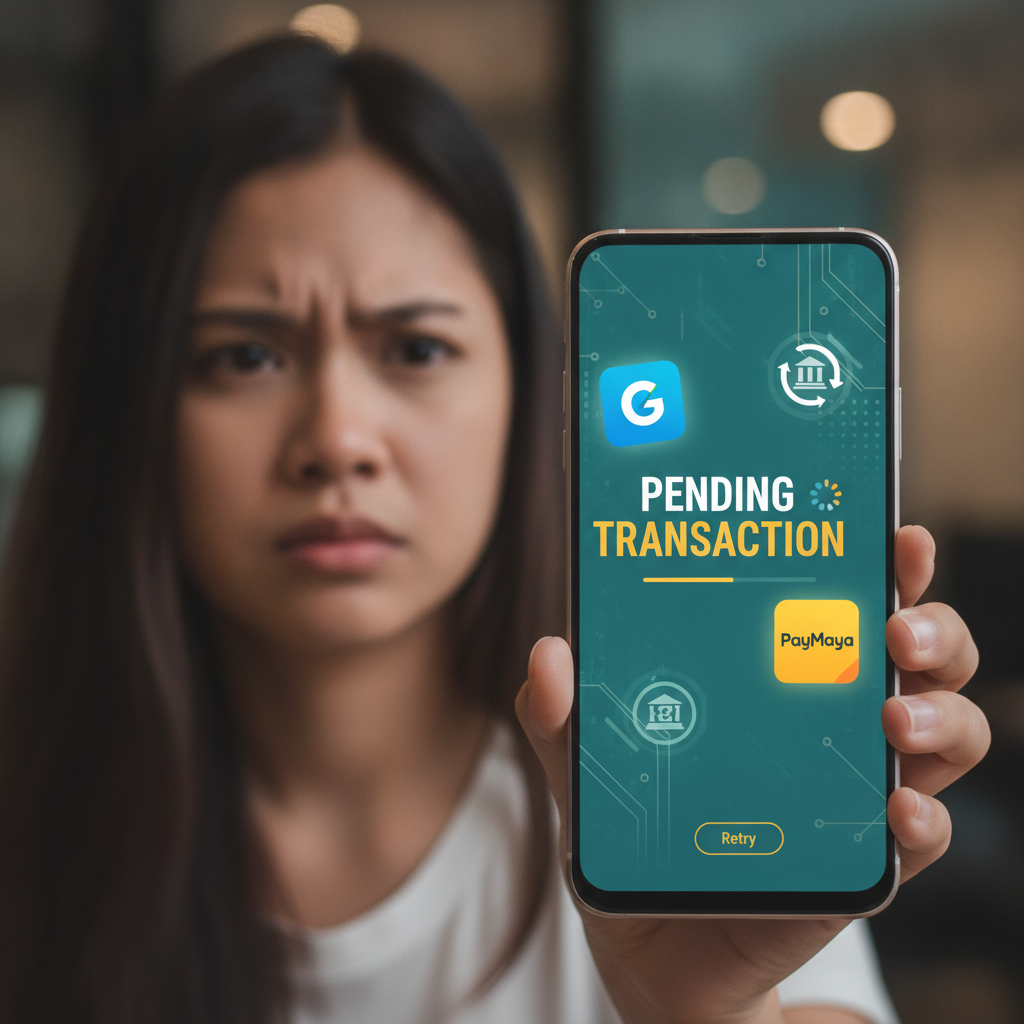
Celestial Crown Withdrawal Failed or Pending: Common Causes & Fixes
When your Celestial Crown withdrawal fails or stays stuck on "pending" for more than a day, the delay usually traces back to account details, verification documents, or bonus rules. This guide walks through the most common reasons cashouts get blocked and what you can do to fix them.
21+ only. Set deposit limits and take breaks if gambling stops being entertainment.
Top Reasons Celestial Crown Cashouts Fail
Most Celestial Crown withdrawal problems fall into one of these categories:
Wrong or mismatched account details
If the GCash mobile number, Maya account name, or bank account number you entered doesn't exactly match the name on your Celestial Crown profile, the payment provider will reject the transfer. Even a single-digit typo in your account number or a nickname instead of your legal first name can cause a failure.
Incomplete Know Your Customer (KYC) verification
Celestial Crown requires players to upload a valid government ID—such as a Philippine passport, driver's license, or UMID—and sometimes proof of address before processing the first withdrawal or any cashout above a certain threshold. If your documents are missing, blurry, expired, or the name doesn't match your registration, the withdrawal will be placed on hold.
Active bonus wagering requirements
If you claimed a welcome bonus, reload offer, or free spins and haven't yet met the rollover requirement, Celestial Crown will not release the funds. Check your bonus balance and the wagering progress bar in your account dashboard. Attempting to withdraw before clearing the playthrough will result in an automatic decline or cancellation.
Minimum and maximum withdrawal limits
Celestial Crown sets a minimum cashout amount—often PHP 100 or PHP 200—and daily or weekly maximums that vary by account tier. Requests below the floor or above the ceiling will fail immediately.
Duplicate or multiple pending requests
Submitting more than one withdrawal at the same time can flag your account for review. Cancel any duplicate requests before trying again.
Technical glitches or maintenance windows
Occasionally, payment gateways for GCash, Maya, InstaPay, or PESONet go offline for scheduled maintenance or experience downtime. If you submit a withdrawal during a maintenance window, it may show as failed or remain pending until the provider comes back online.
How to Check and Update Your GCash, Maya, or Bank Account Info
Before you retry a failed Celestial Crown withdrawal, confirm that the payout details saved in your casino account are correct.
Step 1: Log in to Celestial Crown on your mobile browser or app
Tap the menu icon (usually three horizontal lines) and select Profile, Account Settings, or Payment Methods, depending on how the interface is labelled.
Step 2: Review saved e-wallet and bank details
Look for sections named GCash, Maya, or Bank Transfer. Check:
- GCash: The 11-digit mobile number must match the number registered to your GCash account and must match the name on your Celestial Crown profile.
- Maya: The mobile number and account holder name must be identical to your Maya account and your casino registration name.
- Bank transfer (InstaPay/PESONet): The account number, account name, and bank name must match your actual bank records exactly. Use your full legal name as it appears on your government ID, not a nickname.
Step 3: Edit or add a new payment method
If you spot an error, tap Edit or Update, correct the details, and save. Some platforms require you to delete the old entry and add a fresh one. If the interface doesn't let you change the name, you may need to contact support.
Step 4: Re-verify your identity if the name was updated
If you corrected your account name, Celestial Crown may ask you to re-upload your ID or submit additional proof that the e-wallet or bank account belongs to you. This step prevents fraud and usually takes 24–48 hours to review.
What to Do When Withdrawal Status Is Stuck on 'Pending' for 24+ Hours
A Celestial Crown withdrawal should move from "pending" to "approved" and then "completed" within a few hours for GCash and Maya, or one to three business days for InstaPay and PESONet bank transfers. If your cashout has been pending longer than expected:
Check your email and SMS for requests from Celestial Crown
The platform may have sent a message asking you to confirm your identity, verify your phone number, or upload a clearer copy of your ID. If you miss that email, the withdrawal will stay frozen until you respond.
Log back in and review your KYC status
Go to Profile or Verification in the menu. If the status shows "pending review" or "documents required," upload the requested files. Accepted formats are usually JPG or PNG under 5 MB. Make sure your full face and all four corners of the ID are visible, and that text is sharp and readable.
Confirm you've met bonus wagering requirements
Open the Bonuses or My Offers section and check the rollover progress. If the bar isn't at 100 percent, you need to keep playing eligible games until the playthrough is complete. Slots typically contribute 100 percent toward wagering, while live dealer games may contribute less or not at all.
Wait for payment-provider maintenance to finish
Visit the official GCash, Maya, or your bank's social media pages or service-status websites. If there's an announced outage or system upgrade, your Celestial Crown withdrawal will remain pending until the provider restores service. The casino cannot expedite this; you simply have to wait.
Contact support if none of the above applies
If your documents are verified, your bonus is cleared, your account details are correct, and more than 24 hours have passed for an e-wallet withdrawal—or more than three business days for a bank transfer—reach out to Celestial Crown's customer service team. Provide your transaction ID (found in your withdrawal history) and a screenshot of the pending status.
Cancelling or Resubmitting a Failed Celestial Crown Withdrawal Request
If a withdrawal fails outright or you realize you entered the wrong account details, you'll need to cancel the request and start over.
Step 1: Open your transaction or withdrawal history
Tap Account, Wallet, or Transaction History. Locate the failed or pending cashout.
Step 2: Cancel the request
If the status is "pending" and the platform allows cancellation, tap Cancel or Reverse. The funds will return to your Celestial Crown balance within a few minutes.
Step 3: Correct your payment details
Go back to Payment Methods, update the mobile number, account name, or bank account number, and save the changes.
Step 4: Submit a new withdrawal
Return to the cashier, enter the amount (respecting the minimum and maximum limits), select the corrected payment method, and confirm. You should receive a new transaction ID. Keep this ID handy in case you need to follow up with support.
Note on failed withdrawals that auto-reverse:
Some payment processors automatically return funds to your casino wallet if they cannot complete the transfer within 24–72 hours. Check your balance and your email for a failure notification before assuming the money is lost.
Contacting Celestial Crown Support with Transaction ID and Proof
When self-service fixes don't resolve a pending or failed Celestial Crown withdrawal, it's time to escalate to the support team. Providing the right information up front speeds up resolution.
Gather your details before you message:
- Transaction ID or reference number – found in your withdrawal history.
- Date and time of the request – helps support locate your transaction in the system.
- Withdrawal amount and method – specify whether it's GCash, Maya, InstaPay, or PESONet.
- Screenshot of the pending or failed status – taken from your account screen.
- Copy of your submitted ID – if your KYC is under review.
- Proof of e-wallet or bank account ownership – a screenshot from your GCash or Maya app showing your registered name and number, or a bank statement or passbook photo showing your account number and name.
How to reach Celestial Crown support:
Celestial Crown typically offers live chat, email, and sometimes a customer-service hotline. Live chat is the fastest option during business hours.
- Live chat: Tap the chat bubble icon on the homepage or in the app menu. State your issue clearly: "My withdrawal has been pending for 48 hours. Transaction ID [number]. I have verified my ID and updated my GCash number. Please check."
- Email: Send a message to the support email address listed on the Celestial Crown site. Use a clear subject line, such as "Withdrawal Pending – Transaction [ID]." Attach your screenshot and any requested documents.
- Phone or messaging apps: Some platforms offer support through Viber, Telegram, or a phone hotline. Check the "Contact Us" or "Help" section for current channels.
Response times:
Live chat usually replies within a few minutes. Email responses can take 12–24 hours, or longer on weekends and holidays. If you don't hear back within 48 hours, follow up with the same transaction ID.
What support will ask:
Expect the team to verify your identity by asking for your registered email, phone number, or account username. They may request additional documents if the name on your e-wallet or bank account doesn't match your casino profile. Be patient and provide exactly what they ask for; pushy or aggressive messages rarely speed things up.
If the issue is on the payment provider's side:
In rare cases, GCash, Maya, or the bank will flag a transfer as suspicious or decline it for internal compliance reasons. Celestial Crown support can confirm that the payout was sent successfully from their end and provide a trace number or proof of submission. You can then take that proof to your e-wallet or bank's customer service to unlock the funds.
21+ only. If you're chasing losses or gambling more than you can afford, contact the National Council on Problem Gambling or use Celestial Crown's self-exclusion tools.
Summary
Most Celestial Crown withdrawal failures boil down to mismatched account details, incomplete KYC, or active bonus wagering. Double-check that your GCash, Maya, or bank information exactly matches your legal name and casino registration, upload clear copies of your government ID, and confirm you've met any rollover requirements before requesting a cashout. If your withdrawal stays pending beyond the expected time frame—usually a few hours for e-wallets or up to three business days for bank transfers—log in to check for verification requests, then contact support with your transaction ID and proof of account ownership. Cancelling and resubmitting a failed request is straightforward once you've corrected the underlying issue, and Celestial Crown's support team can trace payments or escalate to the payment provider if the problem lies outside the casino's system.